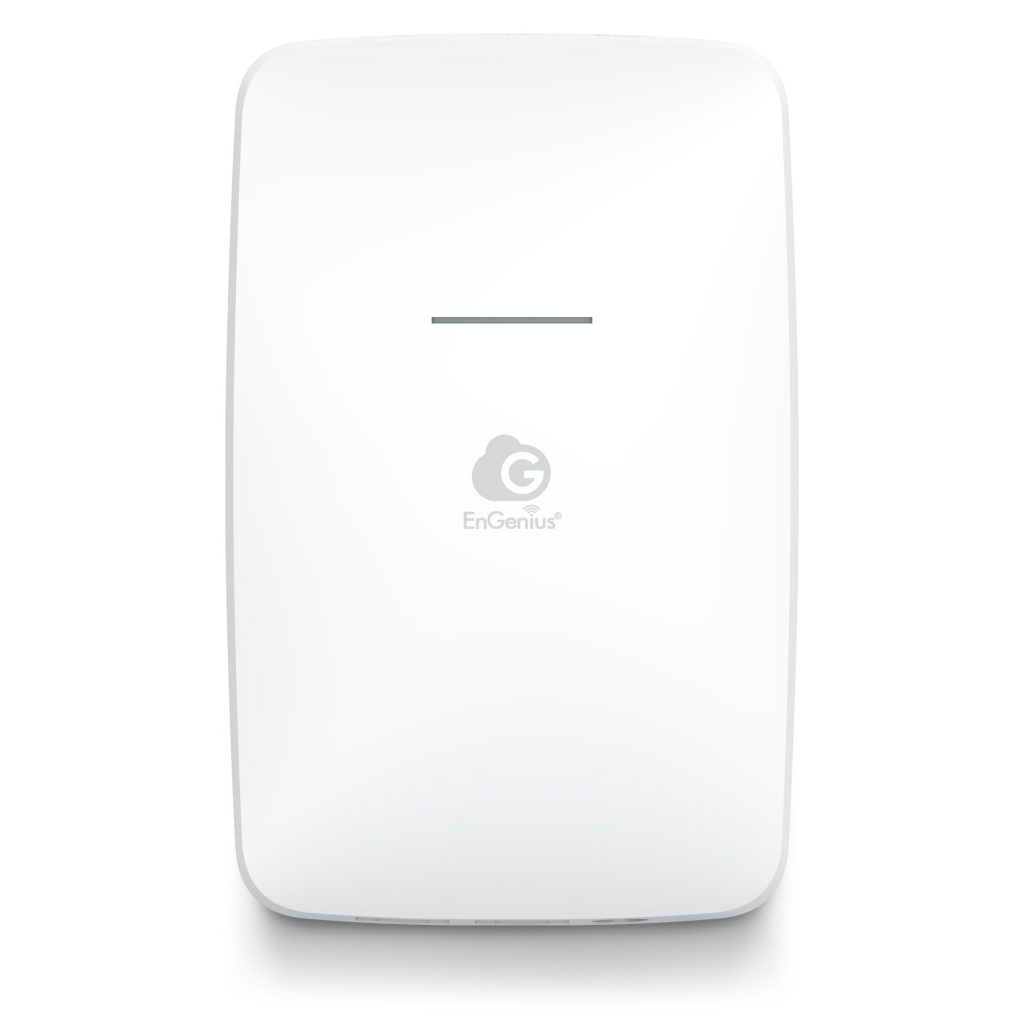
WIFI GATEWAY PRODUCTS

The heart of our system is the Whotspot WiFi Subscriber Gateway. Install one of these units and you are instantly able to generate revenue from roaming WiFi laptop and PDA users. The Gateway supports up to 100 simultaneous WiFi surfers or hundreds of wired connections.

WRT50: Low cost - Starter Gateway
WS160: Robust Expandable Gateway

WS160HP: More Powerful Gateway
WSRFTGW: Outdoor WiFi Gateway Kit

Want to offer only FREE internet access?

Each Gateway covers an area of up to approximately 300' indoors or up to 1500' outdoors. If you need more range, just add directional or omni antennas or additional low-cost access points.

Are you at a public location, school or business? Need a strong content filter to add onto your WiFi Gateway to keep porn, gambling or other content out? See our new ProtectSpot service - just plug it in!

We do not just sell you the hardware - we sell you a whole turnkey package! This is a completely managed solution. Everything you need to operate a profitable WiFi Hotspot is included. Just purchase one of our preconfigured gateway packages, activate your subscription and you are ready to charge users for accessing the Internet.

Buy One Now!

And don't forget to protect your investment with a Battery  Backup and Power Protection product. (more...)

WHOTSPOT IN A BOX HOTSPOT CONTROLLER -
MANAGED WIRELESS SUBSCRIBER GATEWAY

  • Are you interested in a low cost solution to provide pay-per-use WiFi internet access to your customers?

  • Are you an entrepreneur looking to start your own WiFi business or Internet Cafe?

  • Are you a student looking for a great self-operating summer job, with revenue streams continuing year-round?

If you answered YES to any of these questions, then a Whotspot Wireless Subscriber Gateway is the solution for you!

WHAT IS A WIFI GATEWAY?

A WiFi Gateway is a specially configured wireless router. It performs similar to a low-cost commercial router that you can purchase at your local computer shop. However, where it differs is in the firmware which controls the unit. The specially configured firmware forces the router to connect to Whotspot's backend servers on the internet. This allows your custom portal page to appear and requires all users to sign in with a valid account before they can surf freely. The intelligence is hosted on our servers, and the router simply takes orders from our servers based on what services you have asked us to perform. So, while you can purchase a lower cost WiFi Router at your local shop, you can not purchase  firmware-configured Whotspot Gateway there.

$399 Complete WiFi Starter Package

The Whotspot WRT50 is our lowest cost offering.  It is really three devices in one box. First, there's the Wireless Access Point, which lets you connect Wireless-G or Wireless-B devices to the network. There's also a built-in 4-port full-duplex 10/100 Switch to connect your wired-Ethernet devices. Connect four PCs directly, or daisy-chain out to more hubs and switches to create as big a network as you need. Finally, the Router function ties it all together and lets your whole network share a high-speed cable or DSL Internet connection, files, and other resources such as printers and hard disk storage space. Supports up to 25 users.

This product has been tested with Intel® Centrino™ Mobile Technology for compatibility and interoperability, further enhancing your wireless experience.

NOTE: This WiFi Gateway supports most internet connection types directly. Just plug it in and it works! PPPoE connections require a secondary router like a D-Link DI-604 Router. Simply program the D-Link router with your PPPoE account information, connect it to your DSL modem, plug the WiFi gateway into the D-Link and you are done!

Great device for the WiFi starter on a limited budget! (more...)

Buy One Now!
 

 $499 Complete WiFi Package

WS-160: Standard 802.11g WiFi Gateway, Café Edition
The WS-160 works with all Wi-Fi-compliant 802.11g and 802.11b access cards. It requires no special client, and works seamlessly with laptops, desktop computers and PDAs running Windows®, Macintosh®, Linux, Unix, Palm® and other operating systems. The WS-160 can support up to 50 concurrent users, operates at up to 54 Mbps and has a range of up to 980 feet (300 meters) outdoors. Easily wire in additional access points to extend the range. Replaceable
antenna. Add a 500mW Antenna booster and blow away the competition!

  • DHCP/Dynamic and Static IP support - saves you money because you do not need a Static IP from your ISP.

  • 1 WAN/4 LAN ports - all auto-sensing - no need to worry about cross-over cables

  • Connects to DSL/Cable Modems or other routers

  • Supports Whotspot Radius authentication, subscriber management

  • Customize locations where end-users can visit free (walled garden).

  • Network isolation and more…

NOTE: This WiFi Gateway supports most internet connection types directly. Just plug it in and it works! PPPoE connections require a secondary router like a D-Link DI-604 Router. Simply program the D-Link router with your PPPoE account information, connect it to your DSL modem, plug the WiFi gateway into the D-Link and you are done!

Warranty Options

  • Free 90 day replacement

  • Additional Backup Units can be purchased online

Buy One Now!


The Whotspot Gateway can be deployed in a Hotspot or Hot Zone for public high-speed access the Internet. The Gateway immediately recognizes new end-users on the network, remembers returning users and redirects their browser to customized web pages. There's no need for end-users to change any of their network settings or load any special software to access your Hotspot services...its completely plug and play with any browser! The Integrated wireless access point is fully compatible with all WiFi 802.11b and 802.11g compliant devices and offers the highest output allowed by the FCC for fantastic range. The Gateway can mount easily on a wall or even under a counter and has a standard WAN port to connect to any DSL or T1 broadband modem plus an integrated 4 port hub to add extension access points or to connect to a wired network such as a hotel.

 
Need more power? Checkout the WS160HP.

WHAT YOU ALSO NEED

With every Business Class intelligent WiFi Gateway you purchase, you should also get a mousepad, table cards, poster and sample surfcards. We call this our startup marketing kit. Each gateway purchase also includes a custom branded venue portal page, no merchant account required - Whotspot processes everything, accept all major credit cards, dynamic IP support - you can plug our gateway into your DSL or Cable modem or into another router - you do not need a static IP from your ISP - this alone saves you the cost of the package! - monthly statistics reports for online account purchases, technical support maintenance and monitoring.

With our Whotspot WiFi Gateway, you will be able to instantly charge surfers for internet access at a rate that you determine - or offer it for FREE. You can sell Prepaid, SurfCards or allow your customers to purchase an account online with their favourite credit card. We handle all the billing and subscriber management. We process the credit cards. All you need is an internet connection to get started immediately.

YOU MAY ALSO NEED

For larger or more complex installations, you may need additional WiFi access points, stronger (high-gain) antennas, repeaters or wireless bridges. (more...)

Our Gateways are preconfigured to support Dynamic IP and Static IP. However, if you are using PPPoE (Ask your ISP) you will need an additional low cost router to connect between the Whotspot Gateway and your DSL Modem. If you have a PPPoE connection from your ISP, it will be necessary to first connect another low cost router to your internet connection. Any router that supports PPPoE is fine. Typical products like the D-Link DI-604 or Netgear RP614 are excellent choices. After you have configured the router to connect to your ISP, simply plug the WS Gateway into one of the router’s LAN ports. No additional configuration will be needed. You may also purchase a router in our eStore.


Creating a Hot Spot couldn’t be easier!

  1. Scout out potential hotspot locations.  Read through our section on Market Solutions for some great ideas!

  2. Talk to the location owner. Explain how the system works. If the location owner is willing to purchase the equipment, sell it to them at the full list price. You will receive a commission directly from Whotspot, and recurring commissions on all revenue generated from users surfing at the location. If the location owner does not want to purchase the equipment, you buy it and own the WiFi location. Typically, you will offer the location owner a percentage of the revenue in the range of 10% - 20%. In a short while,  you will have recouped your investment and started up the path to profitability.

  3. To activate the WINABOX, first, the wireless access device is connected to an existing High-Speed Internet connection.

  4. Next, anyone with an Wi-Fi ready computer will sign up for one of the convenient service plans on a customized portal page.

The customer is now wirelessly connected to the Internet anywhere within a 300 foot range of the access device! Buy One Now!

If the location is great, and you want to expand your business, add some PC's equipped with Kiosk Management Software. Need More information?

Want to contact us for more details?

Are you amazed that someone would actually pay to use your internet connection when there are so many free hotspots? Checkout our Fee or Free section.

Want to expand your Whotspot Gateway to service a large outdoor area like a Marina or Golf course? Download our Low-Cost Outdoor Solution [PDF]


Copyright © Whotspot.com. All rights reserved. Whotspot is a registered trademark.
Need help finding information on our web site? Visit our Site Map or just Contact Us.