QUESTIONS

General Questions
Customer Experience
Owner Experience

WHAT IS WIFI?

WiFi is short for wireless fidelity. It uses radio waves to communicate between WiFi-enabled devices, rather than the traditional way of running physical cables. WiFi is the wireless way to handle networking. It is also known as 802.11 networking and wireless networking. The big advantage of WiFi is its simplicity. You can connect computers anywhere in your home or office without the need for wires. The computers connect to the network using radio signals, and computers can be up to 300 feet or so apart. The typical range of a WiFi device is 300' indoors and up to 1500' outdoors.

WHAT IS A WIFI ROUTER?

A router is simply an intelligent device that understands where data comes from and routes it to the intended destination. For example, let's say you want to access a web site on the internet. After you enter the url in your browser, data is sent along your network to your router. Your router talks to other routers, electronically, to determine where the web site actually is. It then send your request to that location.

A WiFi router is a specialized type of router that can also understand data transmitted though the airwaves.

Typically, a router have many other features associated with it, such as a firewall and DHCP services. If your computer is connected to a router, the router will supply an address to your computer through it's DHCP function. If you have a single internet connection, a router is also used to connect to that connection and will allow anywhere from 100 to 250 other computers to share that single internet connection.

WHAT IS A HUB?

A hub is a device that interconnects computers. It allows computers to talk to each other on the same network, often referred to as a LAN or Local Area Network. Some routers also have a hub built into it. You can also connect a hub to your router, and then all computers will be able to share your single internet connection and files and printers between them.

WHAT IS A WIRELESS ACCESS POINT?

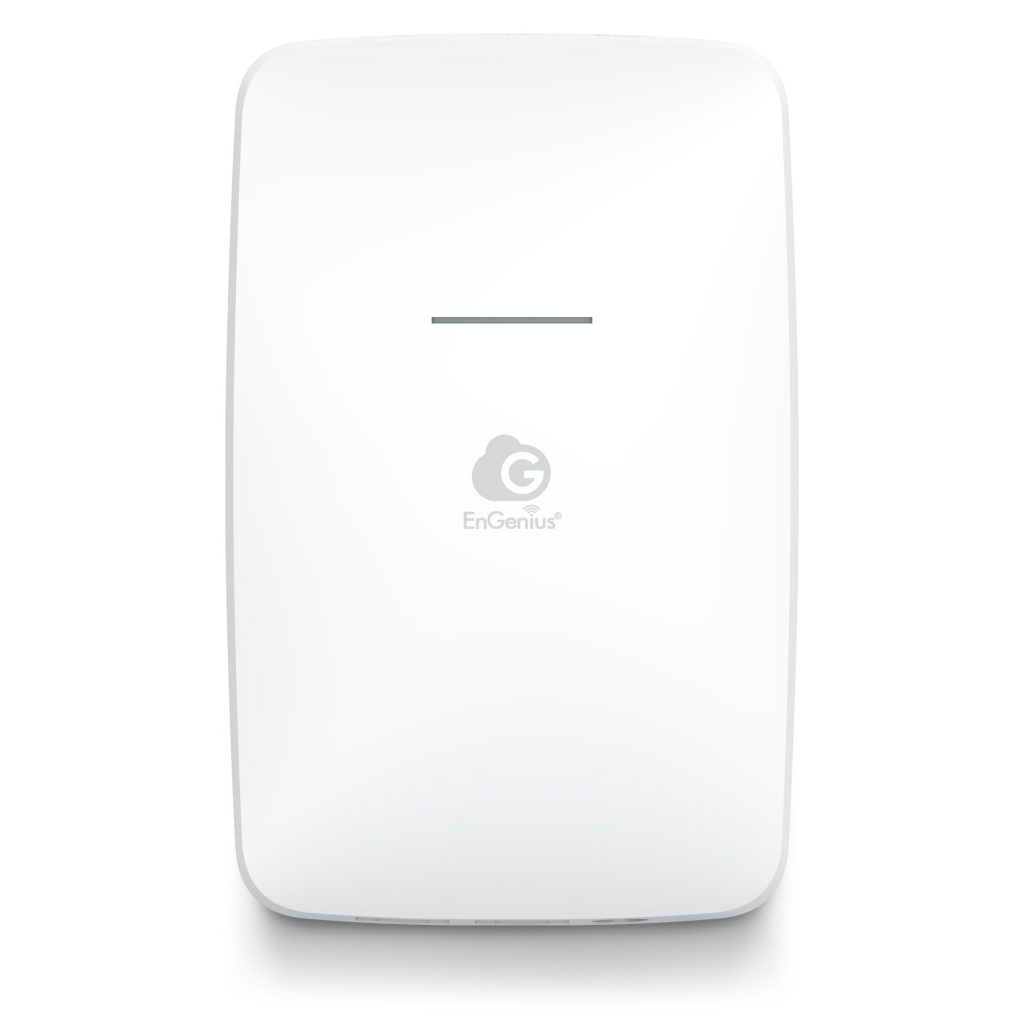
A wireless access point is a hub that allows computers to connect to each other wirelessly. A wireless access point is often connected to a router through an ethernet (hardwired) connection.

WHAT IS AN ANTENNA?

An antenna is a device that radiates and captures radio (wireless) signals. There are several type of antennas used in the WiFi world. Many are powered to boost their capture and radiating distance.

Most WiFi routers and access points have "omni" antennas - meaning they capture and receive data in a circular pattern centered at the antenna. There are add on units called directional antenna, that can send and receive signals in a forward looking direction, rather than circular pattern. Directional antennas typically span much longer distances and can even be used to broadcast a signal several miles.

Try our free OMNI Antenna Beamwidth Analysis. The purpose of this tool is to illustrate how Omni and directional antennas work. We have found that many individuals miscalculate the signal strength they will receive by adding a high gain Omni antenna to their access point or gateway. This is because the higher the gain, the narrower the beam. Simply putting a high gain antenna on your roof may broadcast your signal several miles, but the signal my never touch the ground to reach your end-users located 10 or 20 feet from your antenna.

HOW CAN I PROTECT MY COMPUTER?

Hacker attacks, worms, viruses, trojans, cookies, caches and spyware can all pose undue hardship and threat to the well-being and smooth operation of your computer. Please visit our section on "Keeping Your Public Computers Clean" for more information.

FEE OR FREE ACCESS?

Are you amazed that someone would actually pay to use your internet connection when there are so many free hotspots?
Checkout our Fee or Free section.

FREQUENTLY ASKED QUESTIONS - FAQ's

GENERAL QUESTIONS

Q: Who is WHOTSPOT?

A: WHOTSPOT develops, markets and maintains infrastructure solutions for public access wireless LANs. If you want to deploy wifi in your location, we sell you the equipment and manage it all for you.

Q: What does WHOTSPOT offer?

A: The WHOTSPOT core offering consists of Whotspot WiFi Gateway and Managed Services.  The Whotspot WiFi Gateway controls access to your internet connection by forcing users to pay for access with their favorite credit card, or by entering a code from a prepaid SurfCard.

Q: WHAT IS A WIFI GATEWAY?

A WiFi Gateway is a specially configured wireless router. It performs similar to a low-cost commercial router that you can purchase at your local computer shop. However, where it differs is in the firmware which controls the unit. The specially configured firmware forces the router to connect to Whotspot's backend servers on the internet. This allows your custom portal page to appear and requires all users to sign in with a valid account before they can surf freely. The intelligence is hosted on our servers, and the router simply takes orders from our servers based on what services you have asked us to perform. So, while you can purchase a lower cost WiFi Router at your local shop, you can not purchase  firmware-configured Whotspot Gateway there.

Q: How Does the Whotspot Concept Work?

A: The concept is explained here.

Q: What markets does WHOTSPOT serve?

A: WHOTSPOT offers the system primarily to retail outlets, Cafes, marinas, campgrounds, service stations, restaurants, bars, libraries, government facilities and others with consumer and technically oriented customer bases. (more markets...)

Q: What is WHOTSPOT competitive advantage?

A: WHOTSPOT offers the most comprehensive infrastructure solution for public access internet available today. WHOTSPOT solution was exclusively designed for the public access internet market, and thus contains features such as auto provisioning, remote software upgrades and management,  and location-based and personalized settings, all in a plug-n-play design. WHOTSPOT's solutions enable service providers to cost-effectively deploy and provision public access internet terminals and generate new revenue streams with venue owners. Low-cost, Plug and Play, Excellent Customer support!

Q: Is WHOTSPOT another multi-level marketing scheme?

A: No. WHOTSPOT configures, maintains and manages the equipment. We are not a multi-level marketing firm. You are the marketing expert - you decide where and when to deploy into the market niche you know. WHOTSPOT offers you the best value on setting up your own WiFi business.

top

CUSTOMER EXPERIENCE

Q: What is the user experience?

A: The user goes through 4 simple steps to gain internet access:

  1. The user sits down at a PC or opens his/her own laptop, launches a web browser, and immediately sees a home screen branded by the hotspot owner serving that location. The home screen contains information about the service as well as other information relevant to that hotspot location.

  2. Since the owner has pre-configured the WHOTSPOT WiFi Gateway to provide free and pay-per-use zones, the user may decide to stay within the free browsing areas. Once the user tries to access a web site outside of the free zone, a logon web page will be presented.

  3. The user then authenticates (pays) through any number of ways:
    1) Purchasing a prepaid SurfCard from the Location owner or
    2) Purchasing a subscription plan online using a credit card

  4. The user receives a message that he/she has successfully logged on and can access the internet.

See this in a FLASH Presentation. How to Sign Up at a Whotspot Location.

top

OWNER EXPERIENCE

Q: What do I need to get started?

A: The only requirement is that you have an internet connection. We recommend a Satellite, DSL or Cable connection provided by your local ISP. WHOTSPOT will provide any routers, switches cables and appliances needed for you to start using WHOTSPOT right away.

Q: How many Users can I connect at a single internet connection?

A: For each router that we provide, you can have up to 250 client connections (standard DHCP Server). Your only real limitation would be the amount of available bandwidth. For example, if you had a 1 Mbps internet connection, one user would get 1 Mbps performance, 2 users would get 500Kbps, 4 users would get 250 Kbps....

Q: How can I isolate my private network so users of the WHOTSPOT Gateway do not hack into my business LAN?

A: If your normal business network will be sharing the same internet connection with Whotspot Users, we recommend you that you isolate your network on a separate private subnet. This is accomplished quite simply by placing an additional low cost router as described in the following diagram. Click Here to view it.

Q: How much do I charge my clients?

A: That is totally up to you. Normally we suggest $0.10/minute ($6/hour). You can devise any payment structure you like. Please try out our revenue estimator to see how much revenue you can generate! See How Much Revenue You Can Generate

Q: Can I add other equipment like Video Conferencing or Voice Over IP services?

A: Yes. (more VoIP info...)

Q: Can I limit the time an individual user stays online?

A: Yes. Users are limited by the amount of time they have purchased. In addition, if you have purchased kiosk management software, you can choose any duration you like and the software will automatically regulate the usage for you.

Q: Who manages the accounting and how do I get paid?

A: With prepaid SurfCards, you purchase the cards directly from WHOTSPOT at wholesale prices and sell them to your clients at the price you set.  If you elect to allow users to purchase accounts online with their credit card, WHOTSPOT collects the payment directly. Each month, traffic and payment records are tallied electronically. Your profit is calculated and paid to you monthly, less any applicable WHOTSPOT management fees. the amount transferred to you each month is determined by the plan you signup up for when you purchased your WiFi Gateway from us. (More Plans...)

Q: What happens if a WHOTSPOT stops working?

A: Each owner is given a toll-free support number. If our servers go down, your WiFi gateway will continue to work in Free Access mode, until our servers are restored. In this way, your valuable clients are kept happy!

Q: TEMPORARY STOPPAGE/SEASONAL BUSINESSES

Location owners who want to temporarily stop their service (Basic or Free-Access Plan) may do so at anytime by sending us an email from the registered account owner. Upon confirmation, you will be charged a 1 month processing fee, and then your monthly subscription plan will be stopped until you are ready to resume operations.

Q: Can the initial home page be set to my establishment's web site?

A: Yes. The initial home page that users see can be set to any location. For example, it is common for restaurants to display their current menu as the home page. Hospital waiting rooms can display sponsored web advertisements.

Q: Can I use Whotspot's Design Services to create my web site?

A: Yes. Whotspot has a team of dedicated web designers ready to work for you. (more...)

Q: How much Electricity will my WiFi equipment consume? How much will it cost me in electricity to operate my WiFi hotspot?

A. A typical WiFi gateway (120V 180mA power supply) uses about 22 Watts. 22 Watts x 24 Hours/Day x 365 Days/Year = 192720 Watt-Hours or 192.7 kWh annually. So, if your electric company charges you 7 cents per kWh, your annual cost for electricity will be $13.40.

top


Copyright © Whotspot.com. All rights reserved. Whotspot is a registered trademark.
Need help finding information on our web site? Visit our Site Map or just Contact Us.